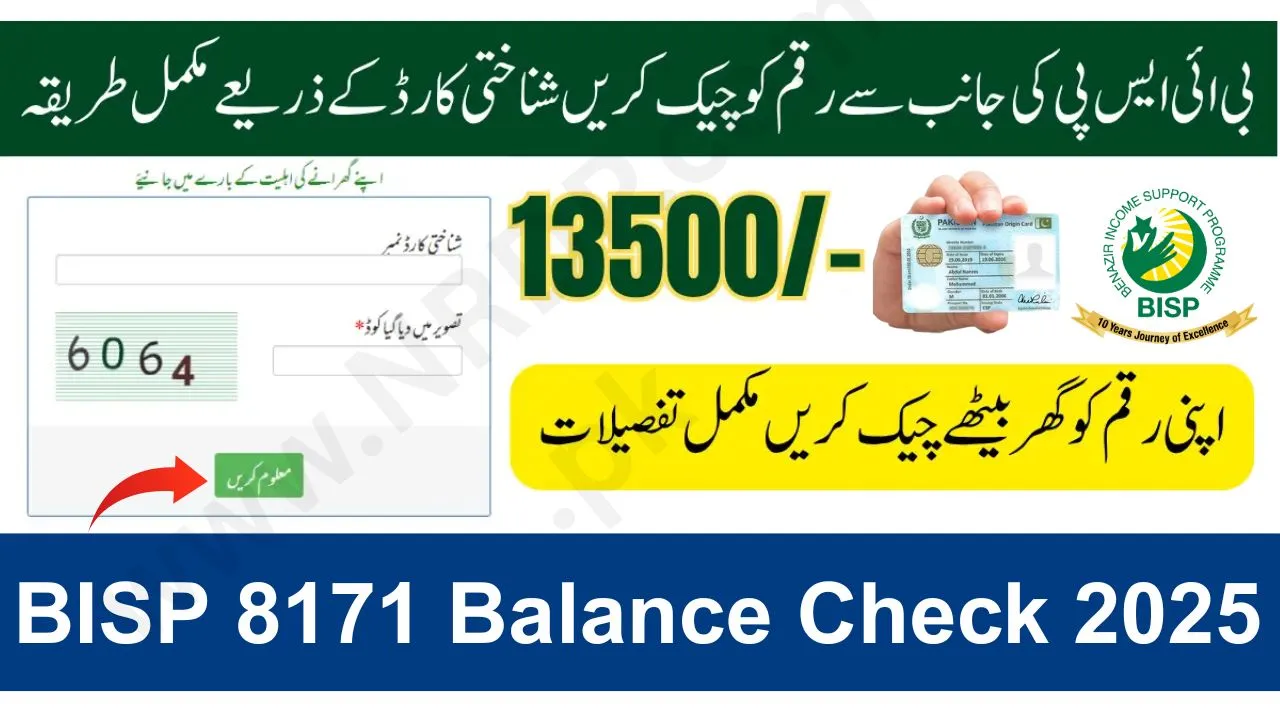
Easy Method to Check Your Payment Status at Home
The Government of Pakistan has made it simple for beneficiaries to check their BISP balance online using just their CNIC number.
You no longer need to visit offices or stand in long queues.
With the 8171 online system, you can easily see:
- Your current balance
- Latest payment date
- Eligibility status
- Upcoming installments
This guide explains the complete method in simple English.
🟢 What You Need to Check BISP Balance Online
To check your balance, you only need:
- A valid CNIC (ID card)
- A mobile phone
- Internet connection
No registration fee or SMS charges.
🟦 How to Check BISP Balance Online by CNIC (Step-by-Step)
Follow these simple steps to check your BISP balance at home:
✔️ Step 1: Open the Official 8171 Web Portal
Go to:
👉 8171.bisp.gov.pk
✔️ Step 2: Enter Your CNIC Number
Type your 13-digit CNIC in the box.
✔️ Step 3: Enter the Captcha Code
Write the exact code shown in the image.
✔️ Step 4: Click on “Submit”
After clicking, the portal will show:
✔ Current balance
✔ Last installment amount
✔ Next payment date
✔ Eligibility status
✔ Survey or document update requirements
This service is 100% free.
📩 How to Check BISP Balance Without Internet (SMS Method)
If you don’t have internet, you can still check your balance.
✔ Send your CNIC to 8171
Write your CNIC → Send to 8171
You will receive:
- Eligibility status
- Payment information
- Instructions (if needed)
🟩 How to Check BISP Balance Through Digital Wallet (Selected Areas)
In some districts, BISP is offering Digital Wallet access.
✔ Open JazzCash / Easypaisa
✔ Go to “Government Payments”
✔ Select “BISP / 8171”
✔ Enter your CNIC
Your balance will appear on the screen.
💰 What Payments Can You Check?
You can check all active BISP programs:
- Benazir Kafalat
- Benazir Taleemi Wazaif
- Benazir Nashonuma
- Special 2025 Installments
- Flood Relief Payments (if applicable)
🔧 Common Problems & Solutions
❗ “Record Not Found”
➡ Your NSER survey may be missing — visit BISP office.
❗ SIM not receiving messages
➡ Your SIM must be in your own CNIC (solve Walled SIM issue).
❗ Wrong number in BISP system
➡ Update your phone number at the nearest BISP Tehsil Office.
🌸 Final Words
Checking your BISP balance online by CNIC in 2025 is now easier than ever.
You can check:
✔ Your payment
✔ Your eligibility
✔ Your balance
✔ Your installment schedule
All from the comfort of your home.
Stay updated with the 8171 portal for the latest payments and government announcements.